
News can be published in the Student and Teacher Portals.
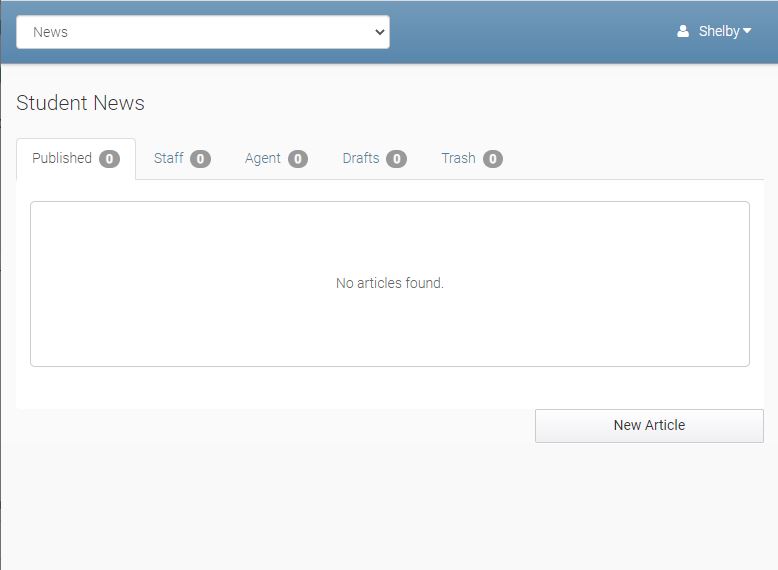
News items are seen on the front page when Students and Teachers log in to their portals.
Publishing a News Article
After pressing the New Article button, you see:
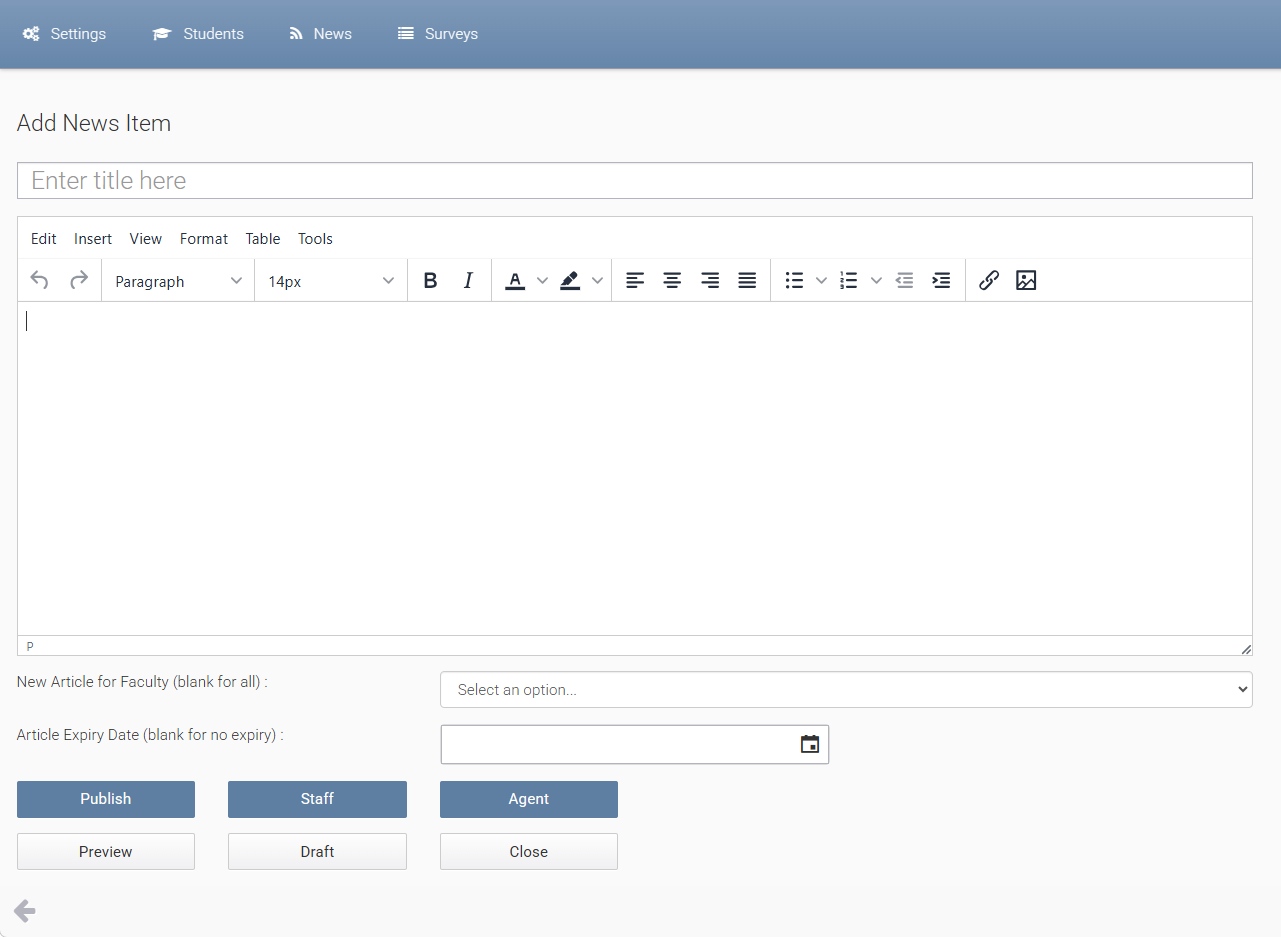
Enter the title, and contents. You can include references to images and documents with references to other web sites and pages.
Set Article Expiry Date to make the news entry is hidden automatically after this date.
You can select options of where the News article is published and can be viewed including staff, student, teacher portal and select a faculty that students are enrolled (only those students who are enrolled in a course/program from that faculty will see the article.