
This article explores how to quickly view the Opportunities for a single lead.
The easiest way to view the basic details for all the opportunities that belong to a single lead, is from the lead profile page (for advanced filtering, use the Opportunities Search).
For all the details about Opportunities, visit the Opportunities Section.
View a Lead’s Opportunities
-
Go to the details page for the lead of interest..
-
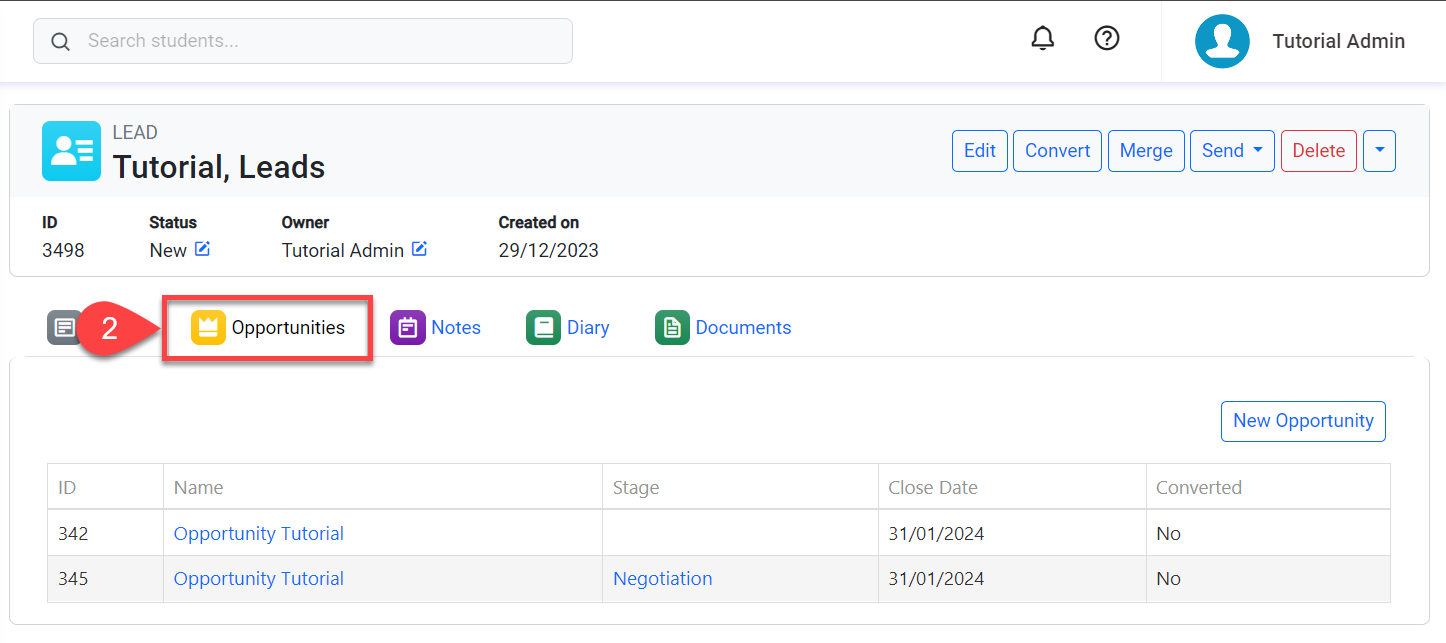
Click on the Opportunities tab.
-
You’ll see a grid with all the opportunities that belong to the lead.
-
Click on the Opportunity Name or Stage to view the opportunity details.