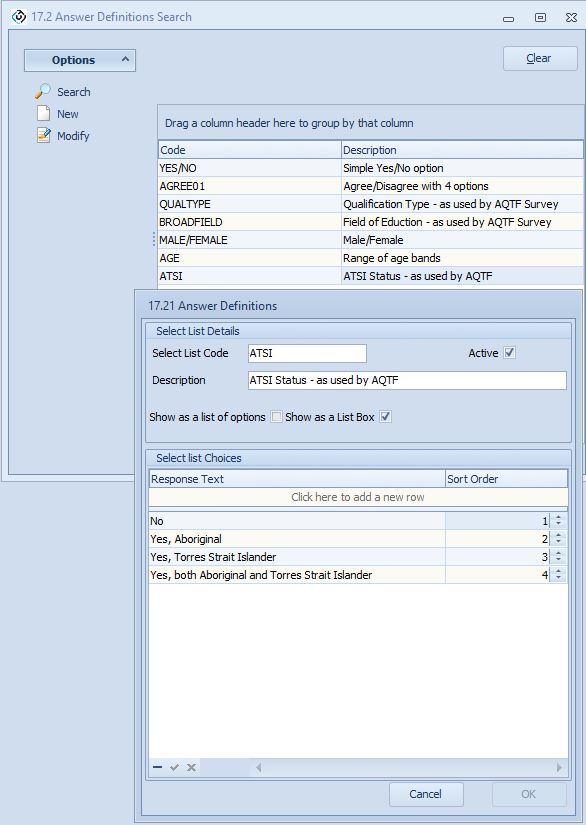
You can define a set of questions in eBECAS/EDMISS and setup the response options.
For Australian Colleges we have already entered the standard ATQF survey questions, ready for use.
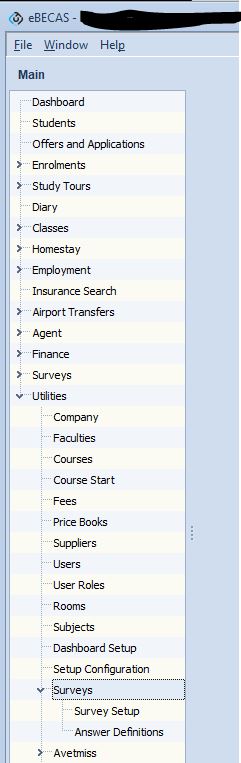
Please navigate to eBECAS/EDMISS – Main – Utilities – Surveys
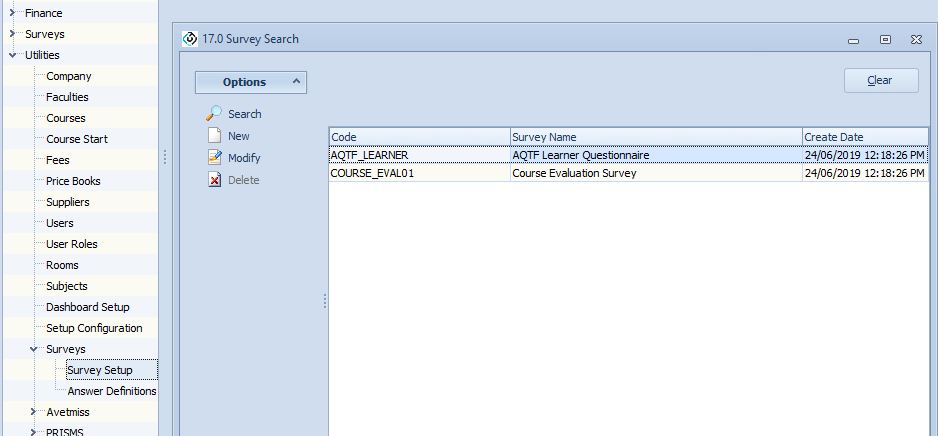
Survey Setup
You can search for existing surveys and add new Surveys.
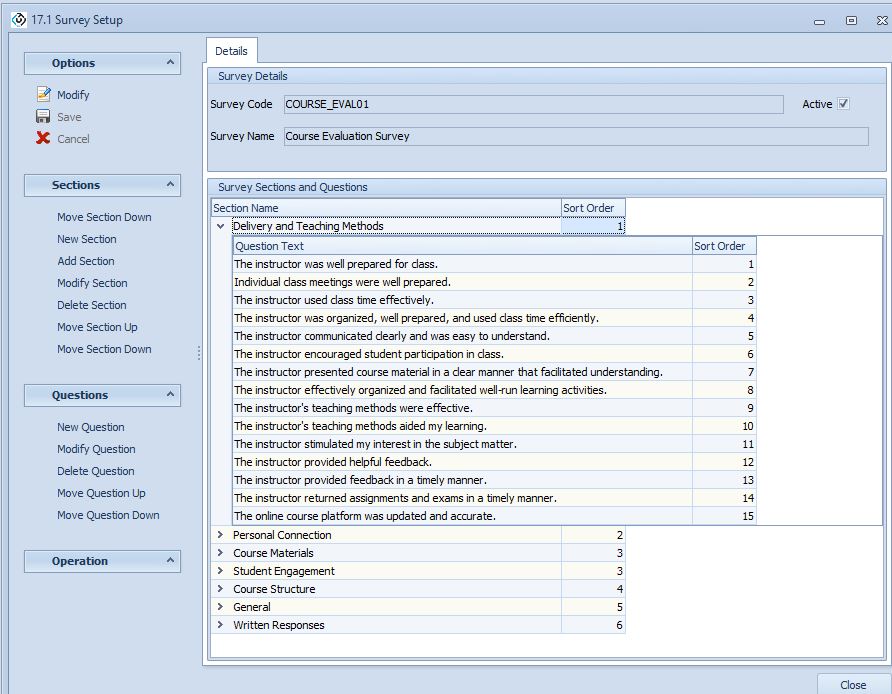
You can modify a survey add, move, delete and modify sections and questions for a selected survey.
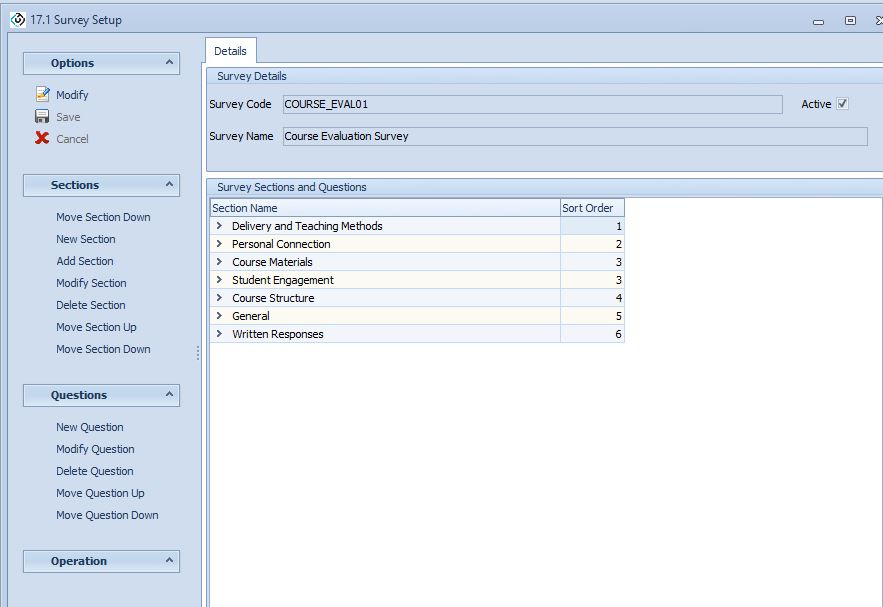
A section is a group of questions. You can add, delete and modify and move sections up and down the display order.
You can also add, delete and modify and move the questions up and down the display order.
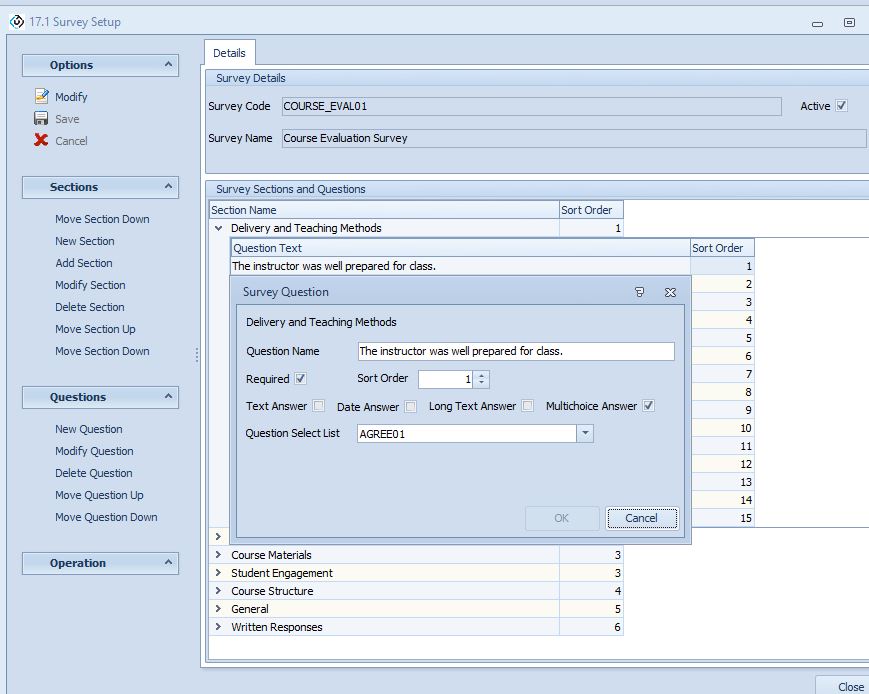
Each question survey question and response option is specified (options are setup and selected as explained in the next section)
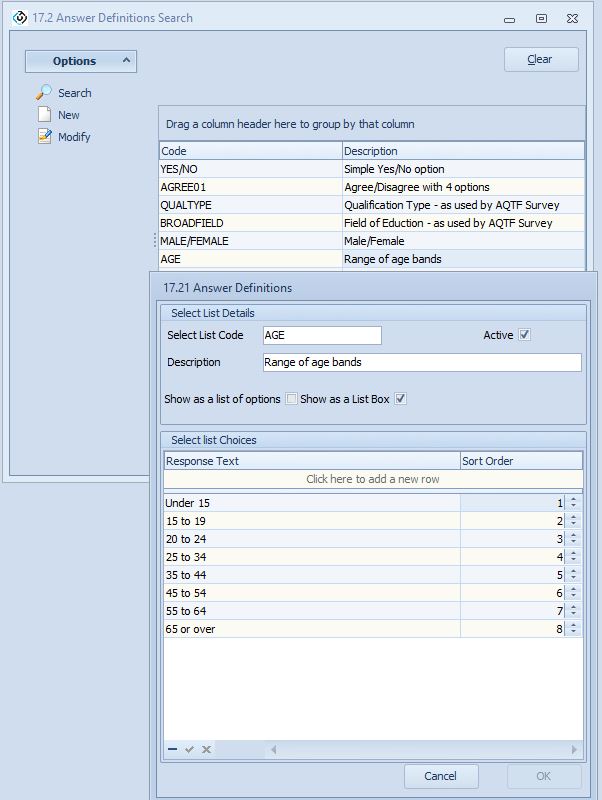
Answer Definitions
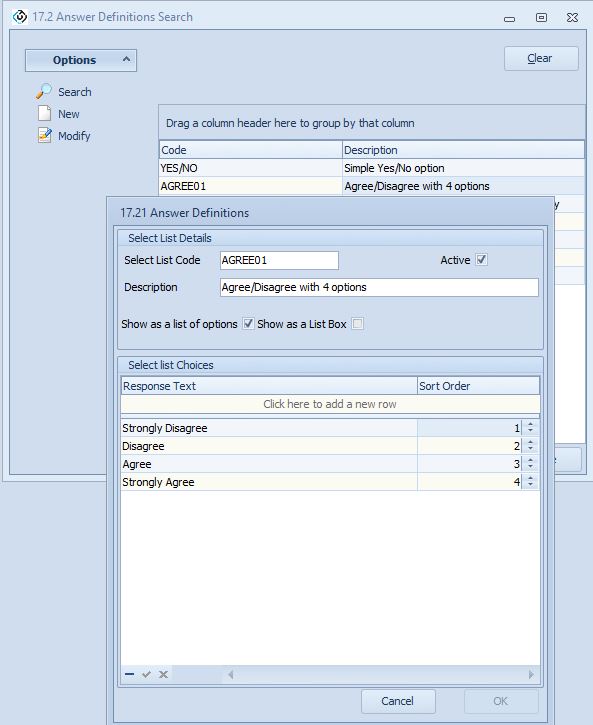
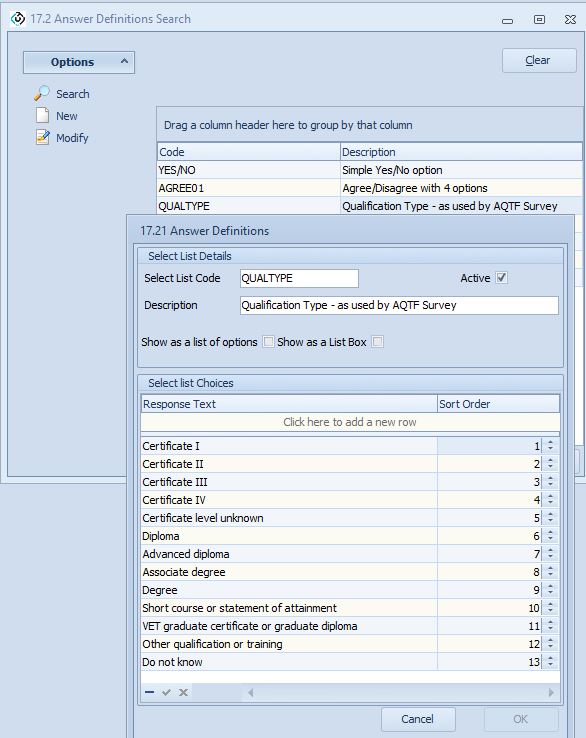
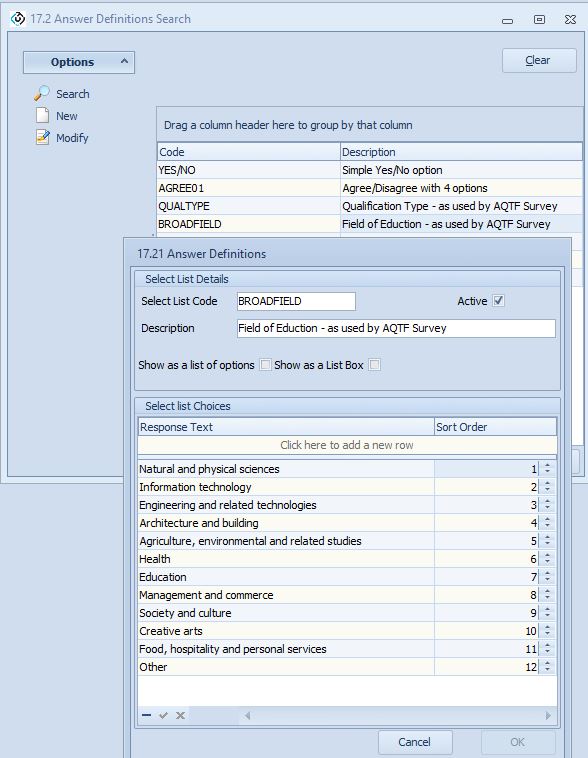
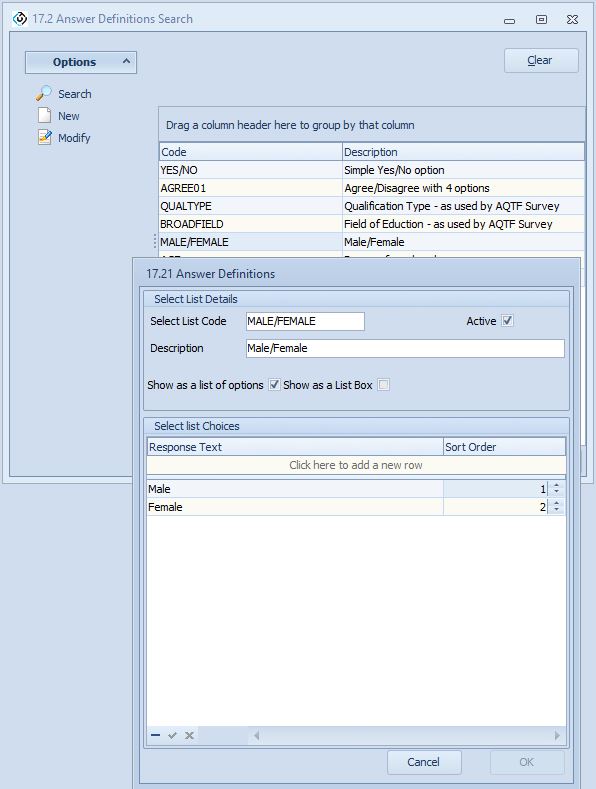
We have already specified some answer options, and you can also add and qualify your own survey options.
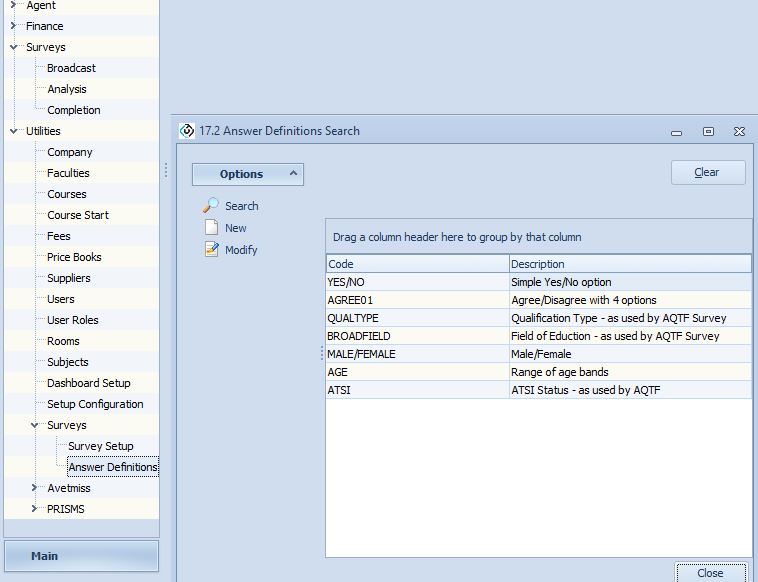
Some of the options used in the ATQF are listed above.
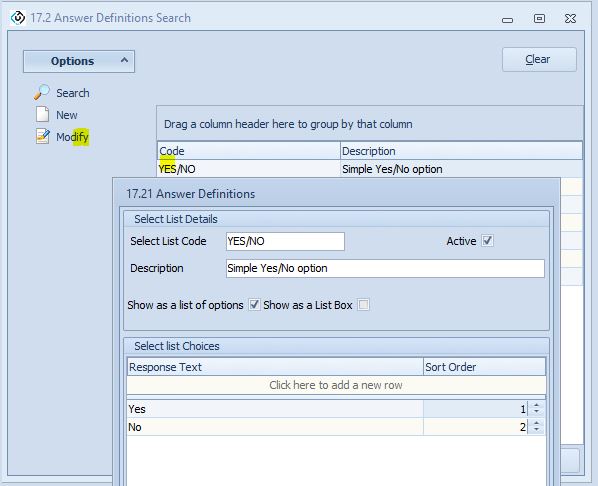
Yes/No
Agree01
Qualtype
Broadfield
Male/Female
Age
ATSI