Learn how to check the status and details of your current eBECAS/EDMISS subscription.
-
Log in to your eBECAS/EDMISS account using your credentials.
-
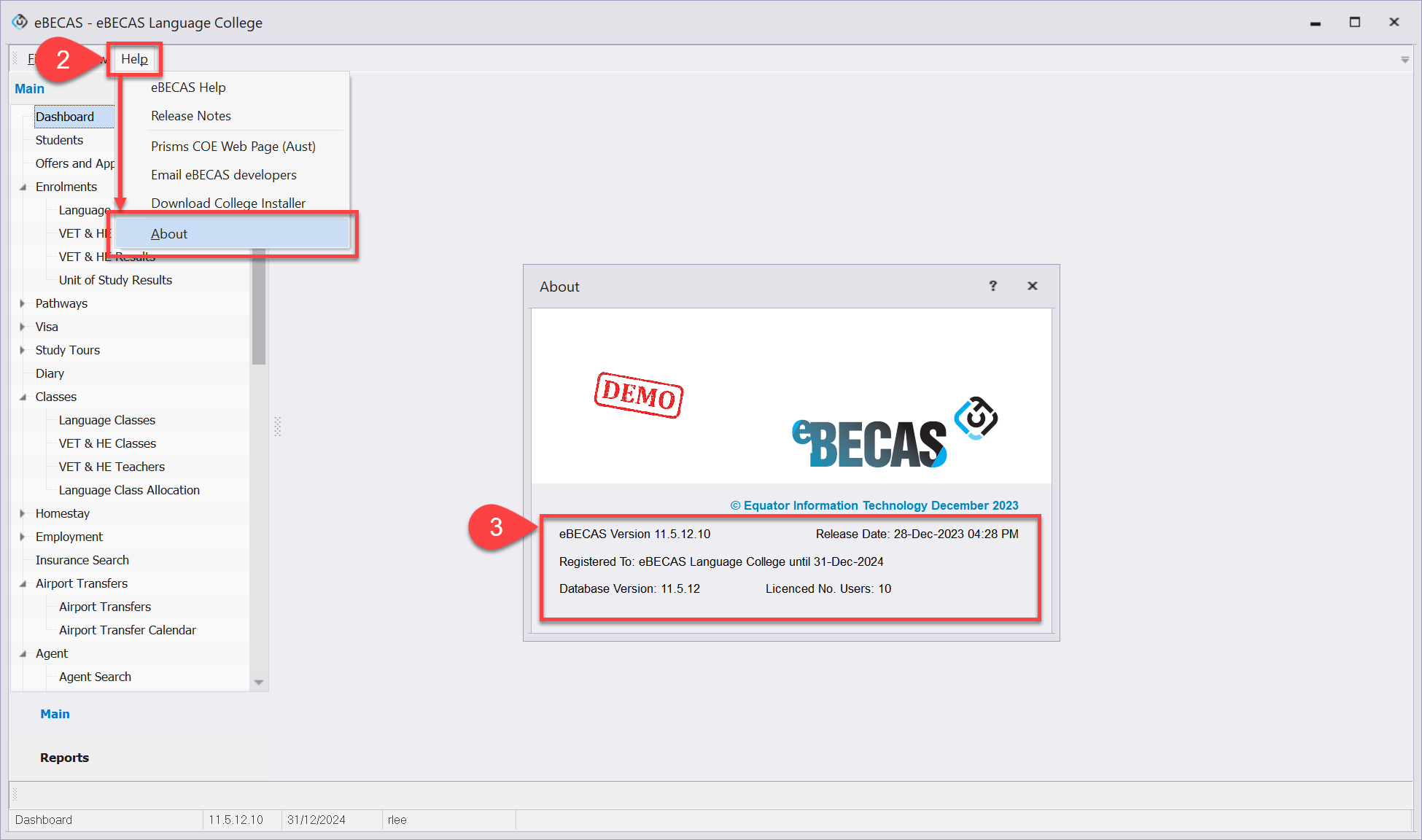
Go to Help > About from the top menu.
-
In the About window, you'll find detailed information about your current subscription. These details include the current version of your eBECAS/EDMISS, the number of licences and the expiry date of your current subscription.