
In eBECAS/EDMISS, offers are tentative enrolments, as soon as they are accepted they are converted into an enrolment. Offers can have any number of ‘offer items’ added to them which represents the services that your college will provide to the student.
In the offer details, to add items, press the new button under the Items panel on the left. A screen with a list of item types will appear, you can then highlight your selection from the following options:
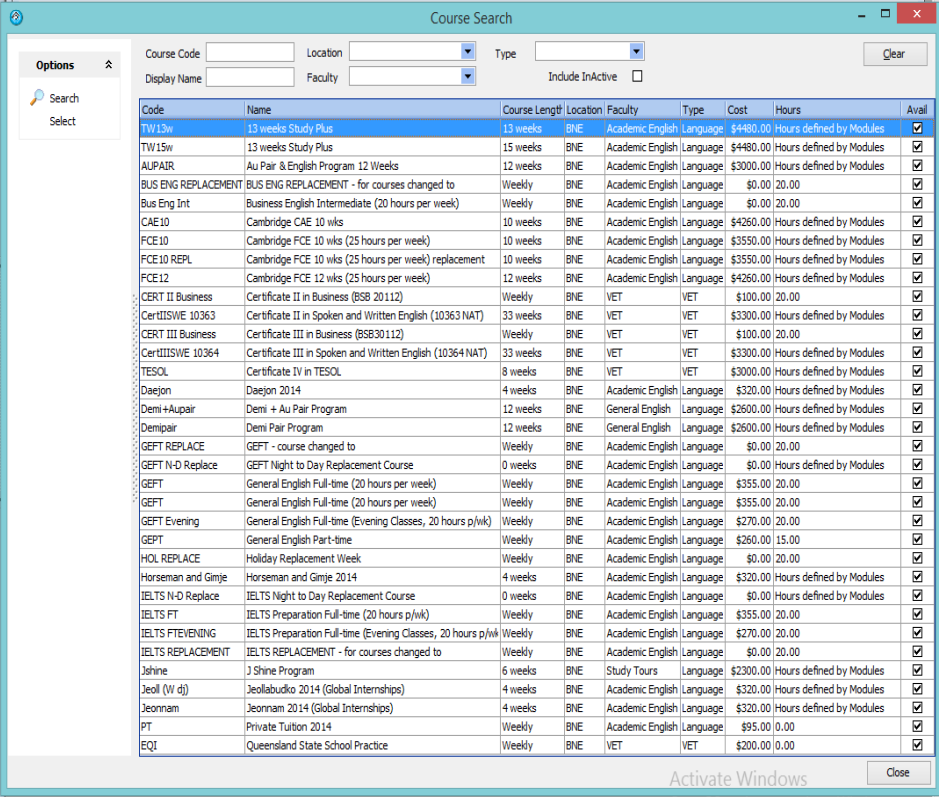
Courses
Colleges can add and customise as many courses to eBECAS/EDMISS as they please. When adding a course offer item to an offer, colleges can specify the start and finish dates, choose a specific billing rate and assign an agent.
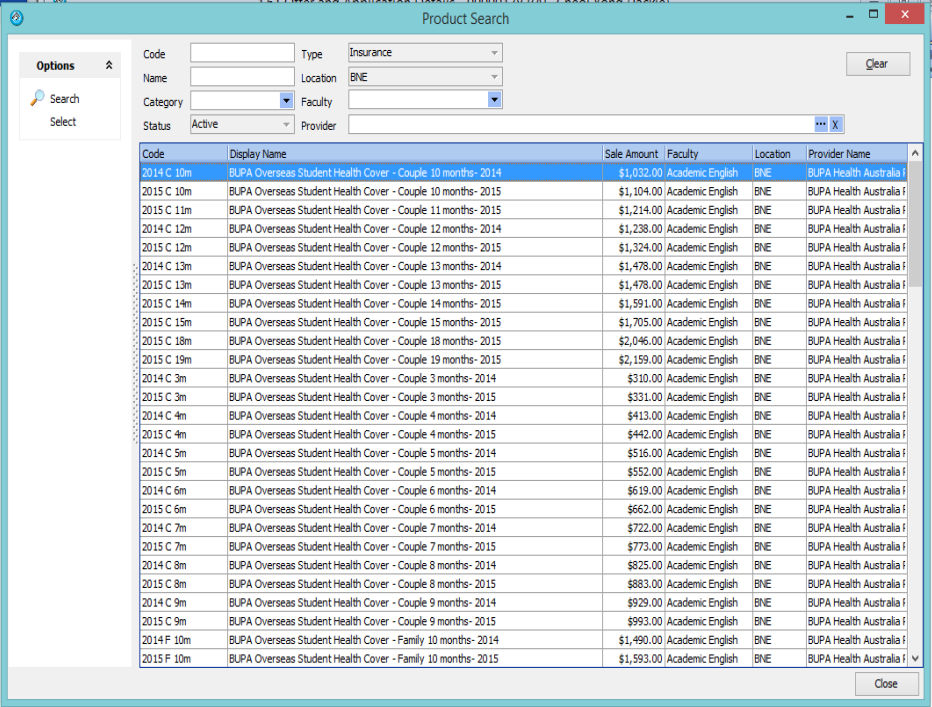
Insurance
Insurance packages are added into offers with the same options as courses are, including agent commission details.
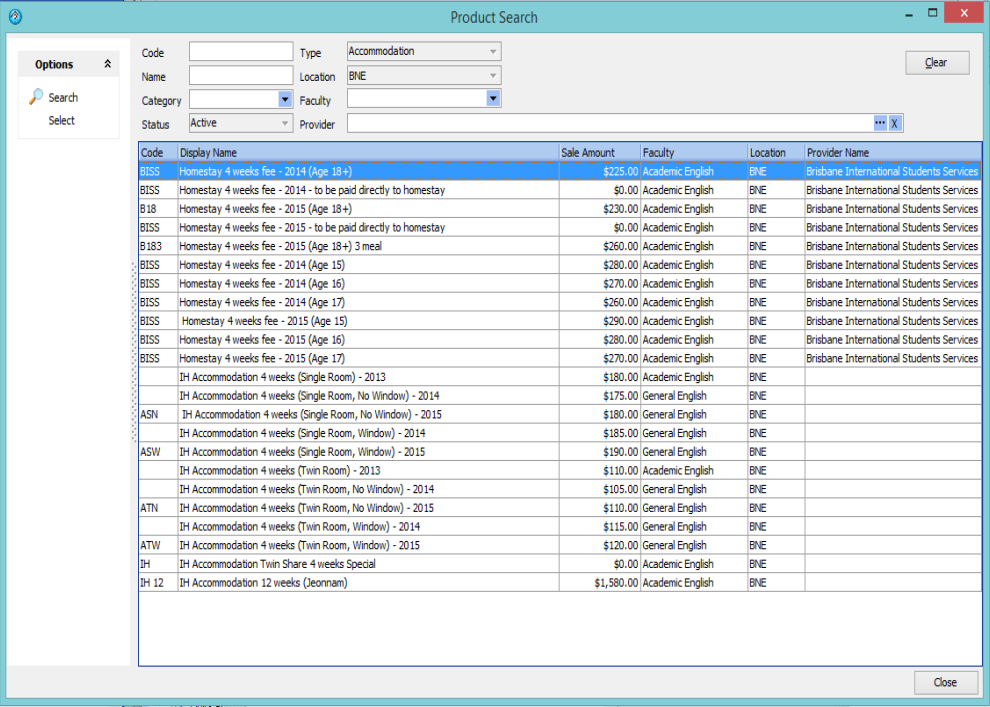
Accommodation
This may be provided in-house, through homestay placements or other accommodation providers such as hotels. By adding an accommodation item to the offer an accommodation placement request will be generated. Staff can specify the billing rate as weeks, days or both and assign an agent to the accommodation placement.
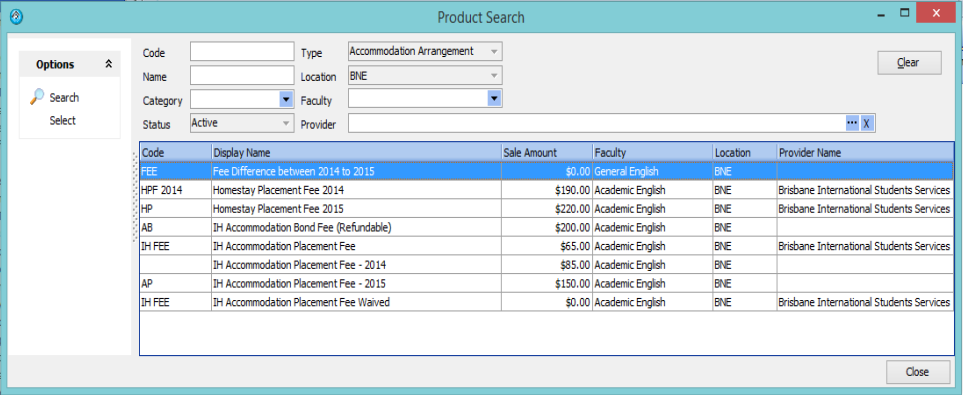
Accommodation Arrangement
The accommodation arrangement function is typically used for homestay placement fees or bond fees.
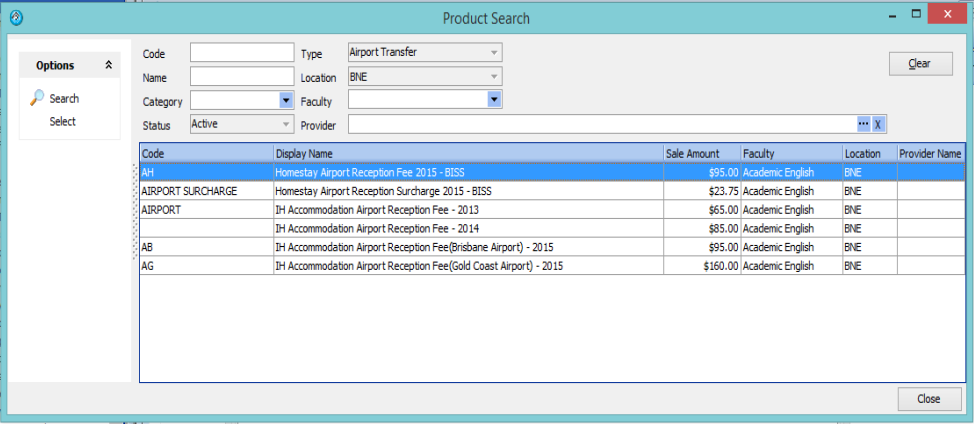
Airport Transfers
Airport transfers can be arranged from within eBECAS/EDMISS for both pickups and return drop-offs.
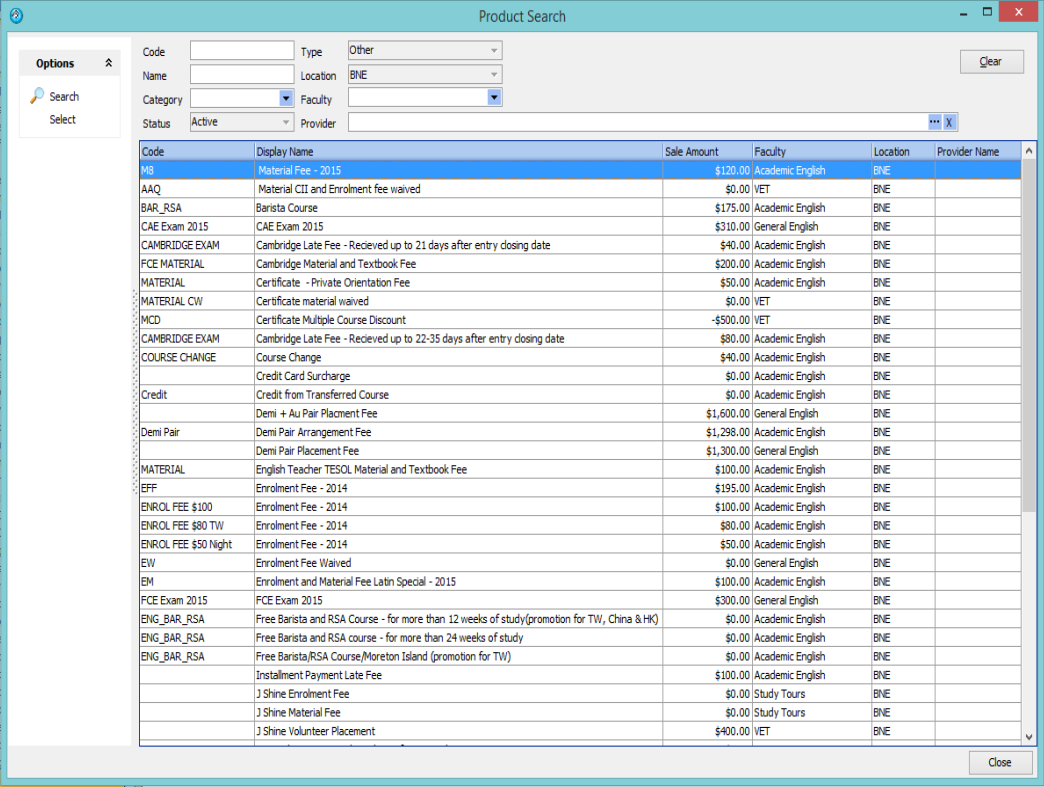
Other
This is used for a whole range of different enrolment related fees, ranging from credit card surcharges to baristas courses. Some other examples include work program placement fee, RSA courses, additional exams and fees that are waived.
Before you add offer items, please always first select a Course and add this item, as the course start date will be used as due date for all subsequent items. eBECAS/EDMISS users can also use the system to arrange work placements for students.