
Welcome to the October 2026 Classic updates!
Agent Commission Payment Report
NEW VERSION 12.9.2.1
The Agent Commission Payment Report has been upgraded and provides a new way to review commissions paid or credited during a selected period, based on the date the payment was scheduled or the credit was applied.
From Reports > Agents > Commission Paid/Due Report, select Report Agent Commission Paid/Credited in Period and use Excel Merge to generate the report.
For Australian colleges preparing Agent Commission Data Collection information, please visit step-by-step guide article about how to review the data and prepare the figures.
Relink eBECAS Records in PRISMS Import
NEW VERSION 12.9.2.5 Australia Colleges Only
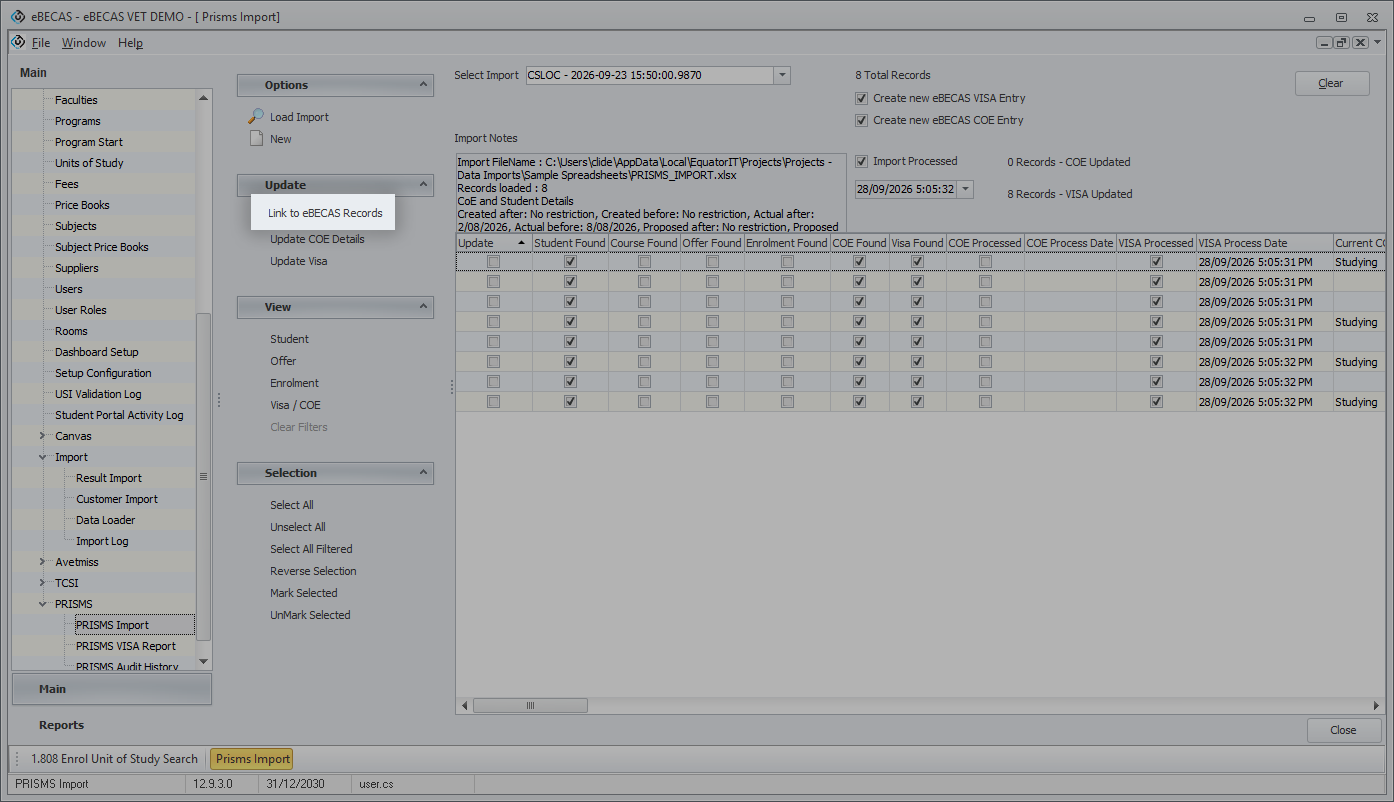
The Link to eBECAS Records button is now available to users in PRISMS Import.
After loading or reopening an import, use this action to match the imported records to students again and recheck the related Visa and CoE records. This refreshes the import's assessment of which records need to be created or updated when existing records have changed since the original import.
This is useful when reviewing a previous import after making changes to the student's Visa or CoE information.
New Data Loader Configuration Option
NEW VERSION 12.9.2.1
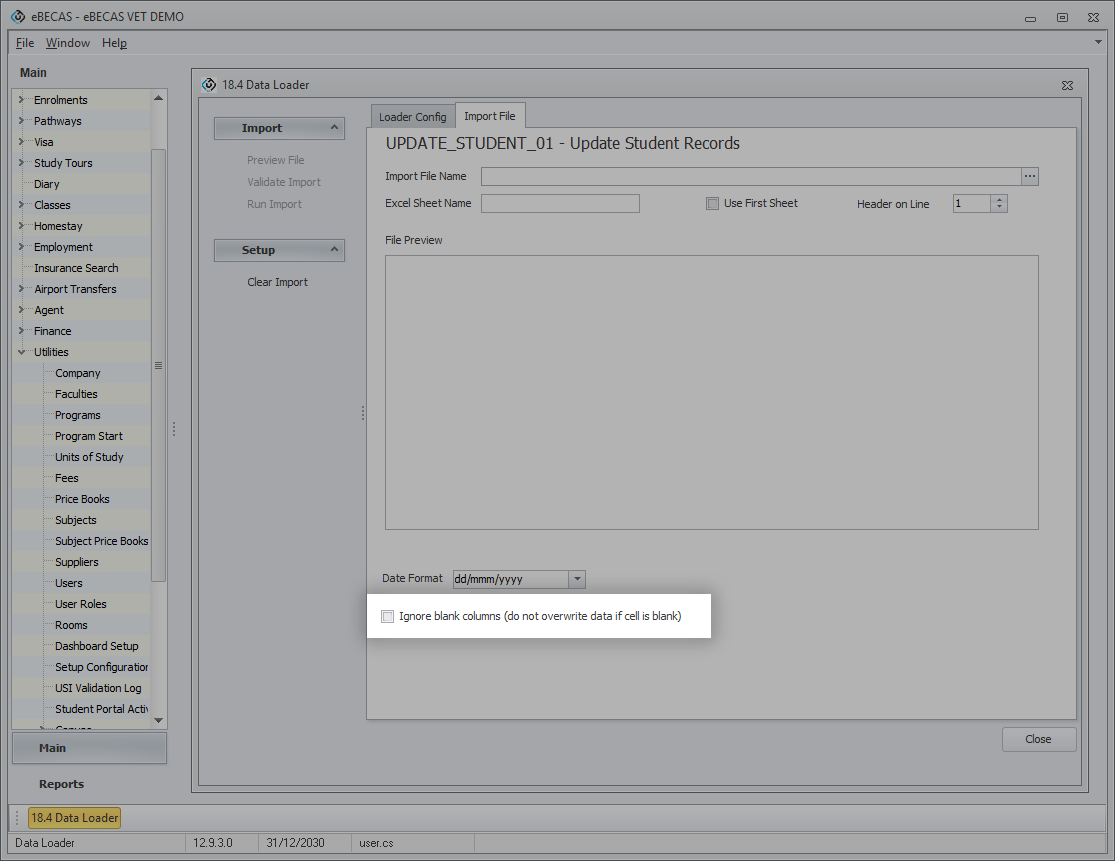
A new Ignore blank columns (do not overwrite data if cell is blank) option has been added to the Data Loader.
When this option is selected, blank cells in the import spreadsheet are ignored, keeping the existing values in the system when updating records. This allows you to keep columns in the spreadsheet without supplying a value for every record.
When the option is not selected, the existing behaviour is retained: blank cells can replace existing values with blanks.
A cell containing a space is treated as having a value and will still be processed.
Bulk Edit in Units of Study Results
NEW VERSION 12.9.3.0 NEW PERMISSION REQUIRED
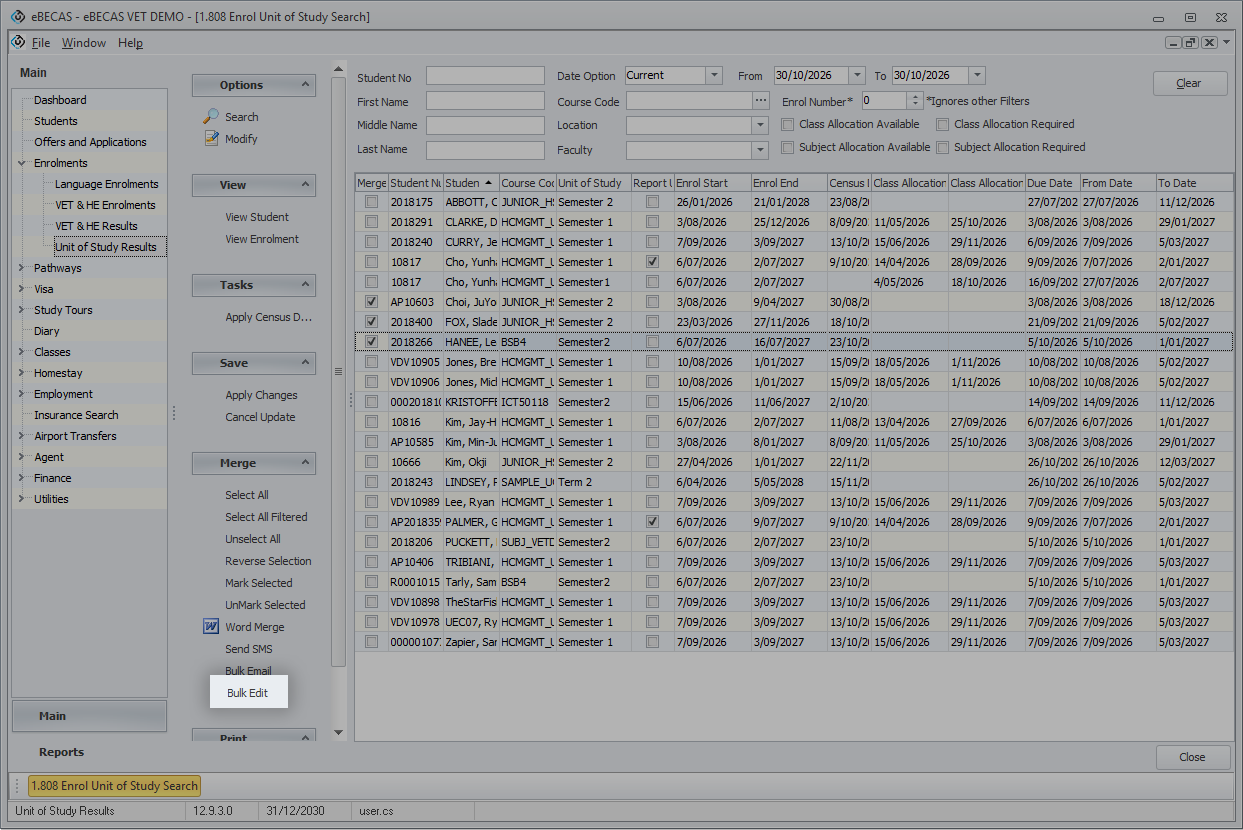
A new Bulk Edit action has been added to 1.808 Units of Study Results, allowing users to update multiple Units of Study Results together.
A new permission under Enrolment > Unit Of Study Results is required to use this action. Administrators should review the permission and grant access to the relevant users.
Absence Audit Logs for Enrolment Date Changes
NEW VERSION 12.9.3.0
Absence entries automatically deleted when an enrolment is shortened or its Start Date is changed are now recorded in the Absence audit log.